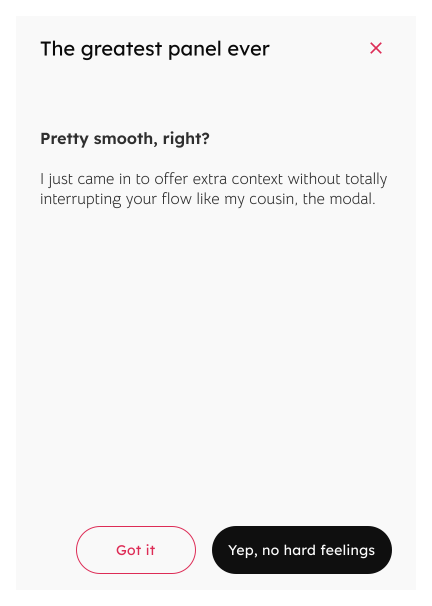
Panels slide in or expand from the edge of the screen to reveal additional content or functionality. They are commonly used to provide supplementary information, navigation options, or toolsets without cluttering the main interface.
When to use
When to avoid
Specifications
Types
Anatomy
1
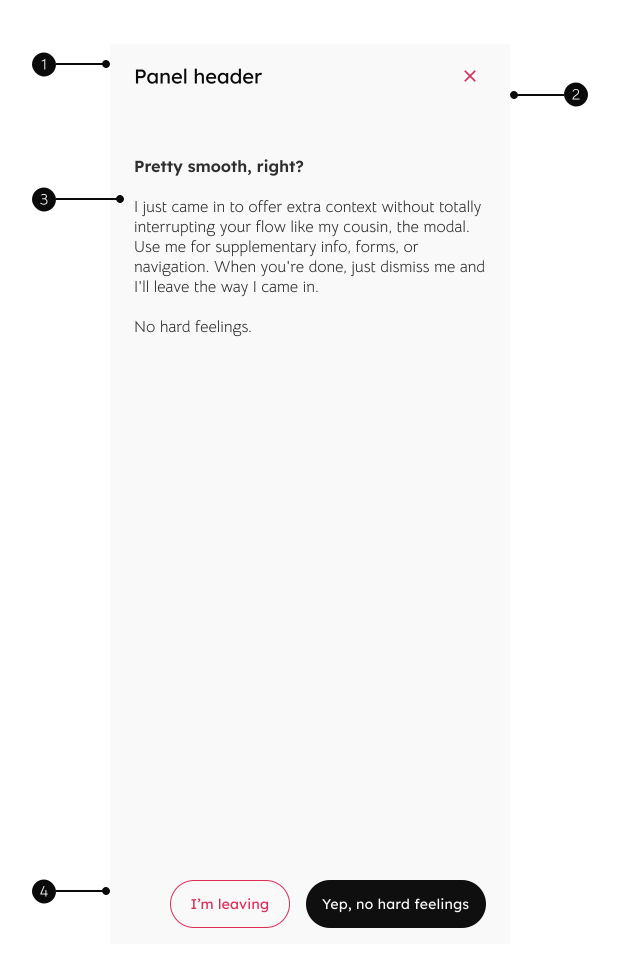
Header
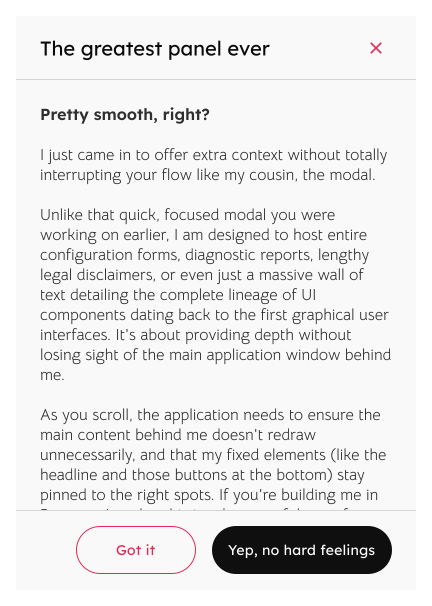
Provides a clear title for context and a close icon, and should remain fixed as the user scrolls the content.
2
Divider
Appears on scroll to separate the header and footer from the content.
3
Slot
Allows for designers to swap in custom content supplementary information, forms, or navigation lists.
4
Footer
Fixed to provide a persistent location for primary and secondary action buttons related to the panel's content.