A tooltip is a small, contextual pop-up that appears when a user hovers over or focuses on an element. It provides brief, supplementary information that helps clarify an element's function or meaning without cluttering the interface.
When to use
When to avoid
Specifications
Position
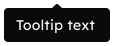
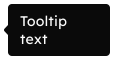
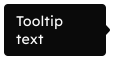
Beak alignment
Start
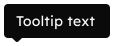
Middle
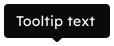
End
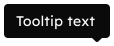
Content
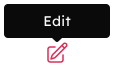
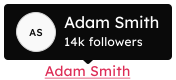
Anatomy
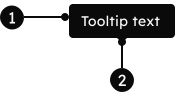
1
Content
A flexible slot designed for brief, supplementary text or custom content that provides non-essential clarification about an interface element.
2
Beak
A small caret that visually connects the tooltip to its trigger element and can be positioned on any side of the content area via the position prop.